Project
DocScan: a self-hosted document scanner
Any phone, any browser, no app install: photograph a page and get back a clean, deskewed PDF, without a third-party scanning app ever seeing the document.
The problem
Paper still piles up: receipts, mail, forms. The quickest fix is one of the free phone scanning apps, but those are built to see (and often keep) whatever you photograph. I wanted the same one-tap convenience without handing every document I own to someone else's cloud.
What I built
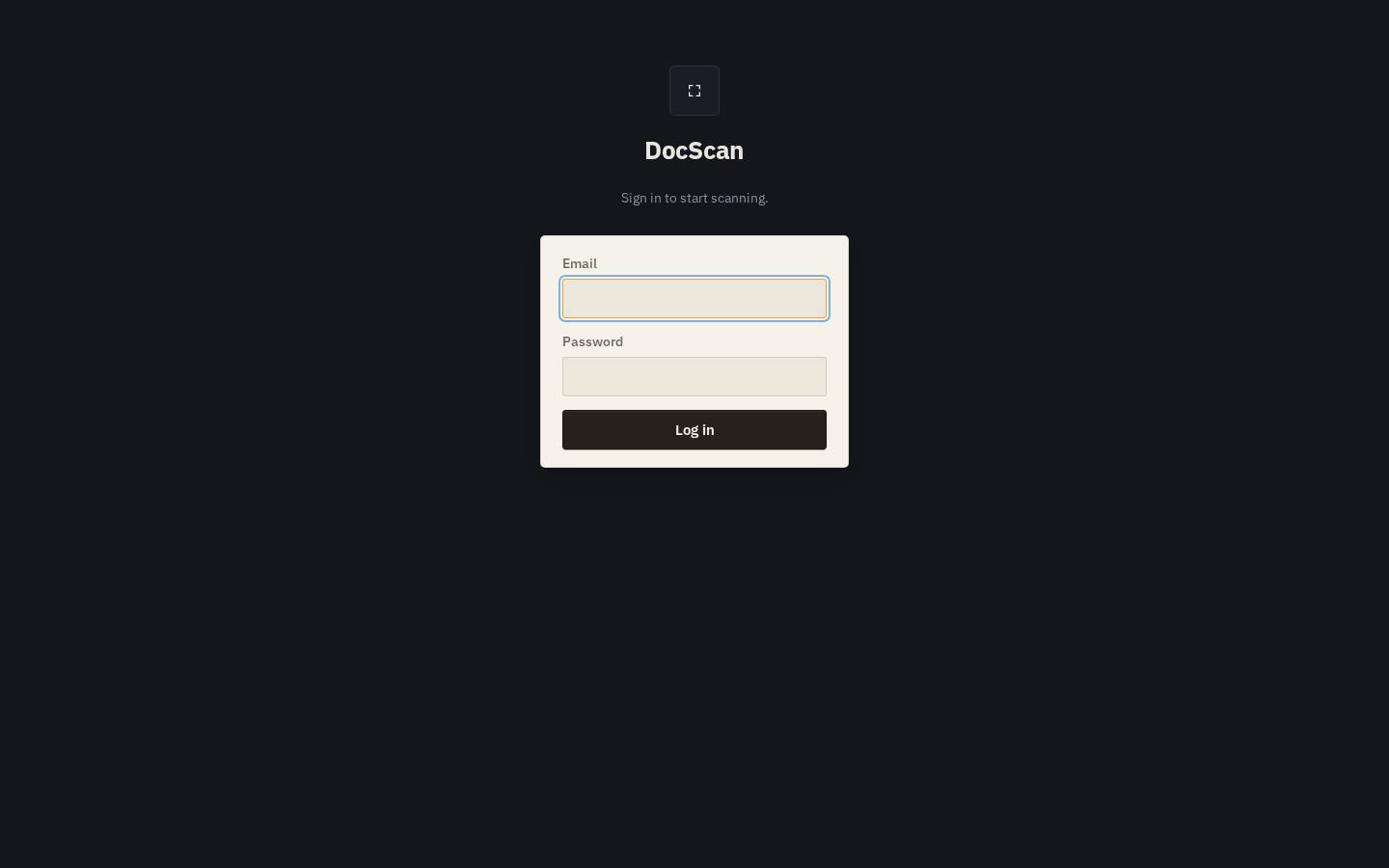
DocScan: a web app I run myself at scan.sh-nxn.dev. Open it on any phone, capture a photo, and a computer-vision microservice detects the page's corners automatically (with a manual nudge if it guesses wrong). The result gets cropped, deskewed and turned into a proper PDF, then pushed straight into my document archive, no manual filing step.
It runs as two small services behind one login: the scanning app itself, and a separate image-processing service it talks to internally. Neither one is reachable from outside except through the scanning app's own login.
Tech
- Node.js / Express
- FastAPI
- OpenCV
- SQLite
- Paperless-ngx